
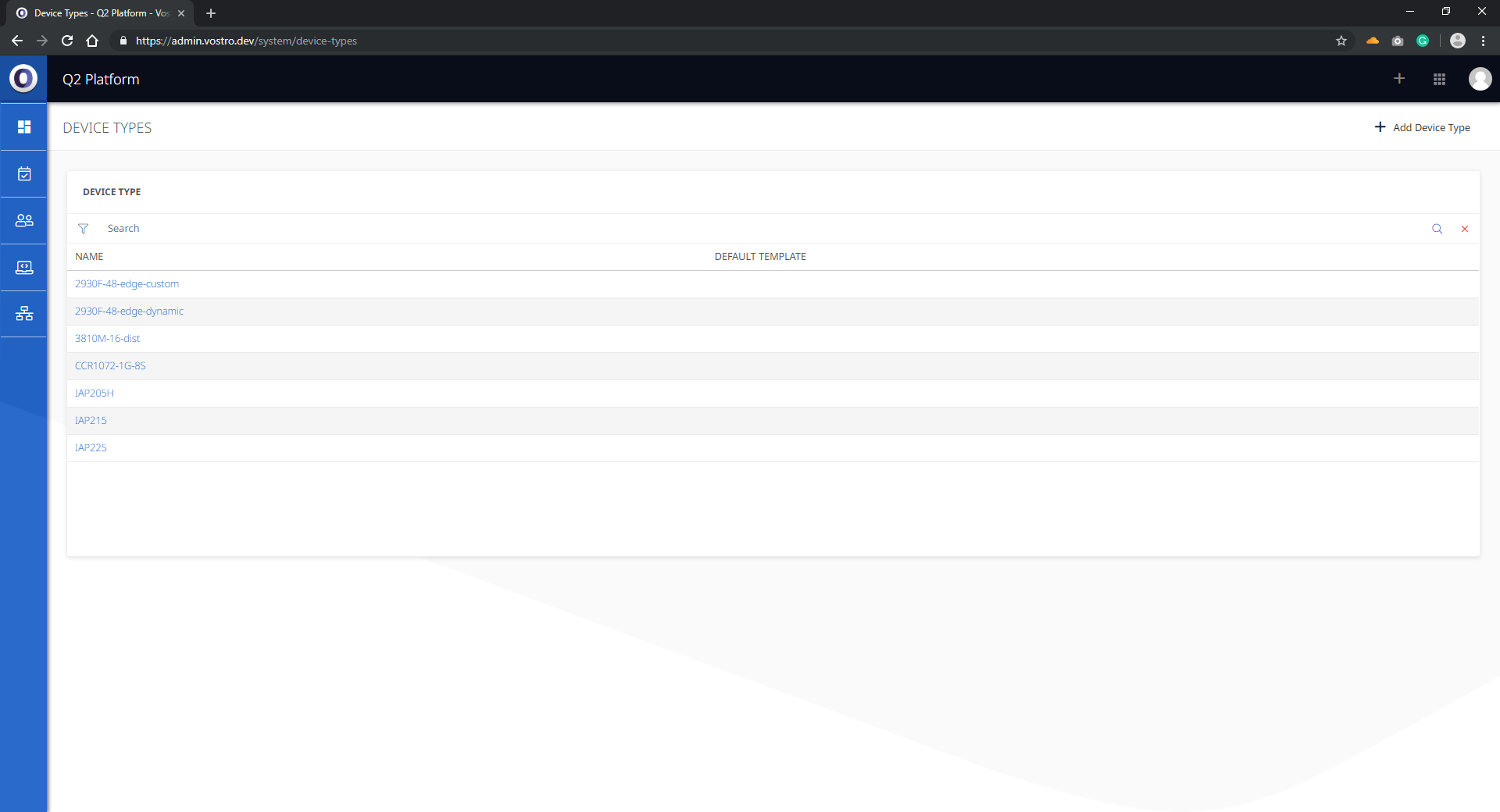
The Node Types section is used to set up new network node types and to assign existing network devices to a network device profile.
Keeping the Node Types section up-to-date is critical for the operation of the advanced monitoring functionality of the Q2 platform. Setting up network node types correctly ensures that information generated from SNMP requests is correctly interpreted by the monitoring software and displayed correctly.
Below are instructions on how to use the Node Types page.
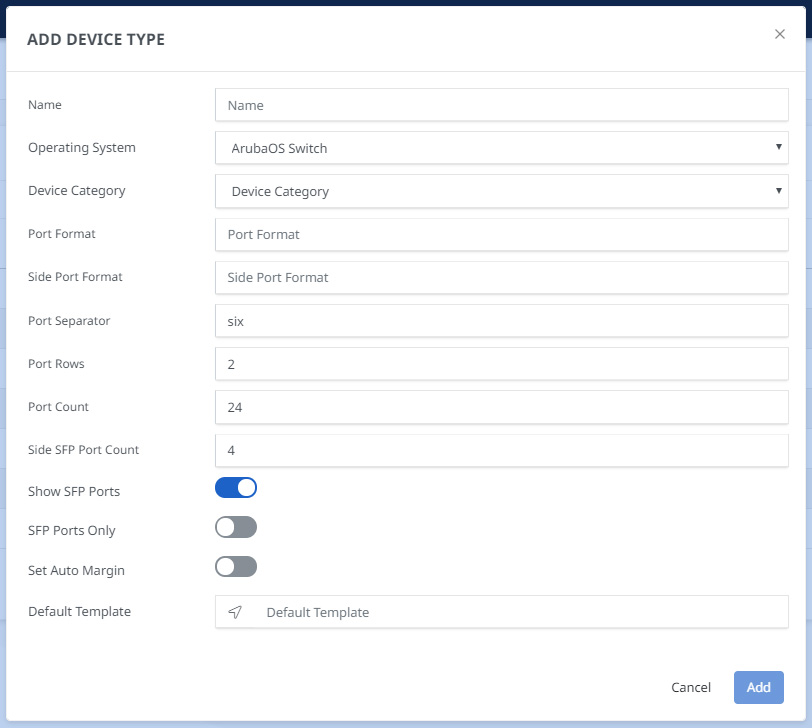
- Click the Add button on the top right-hand corner.

- Fill out the form specifying the network node details and configuration.
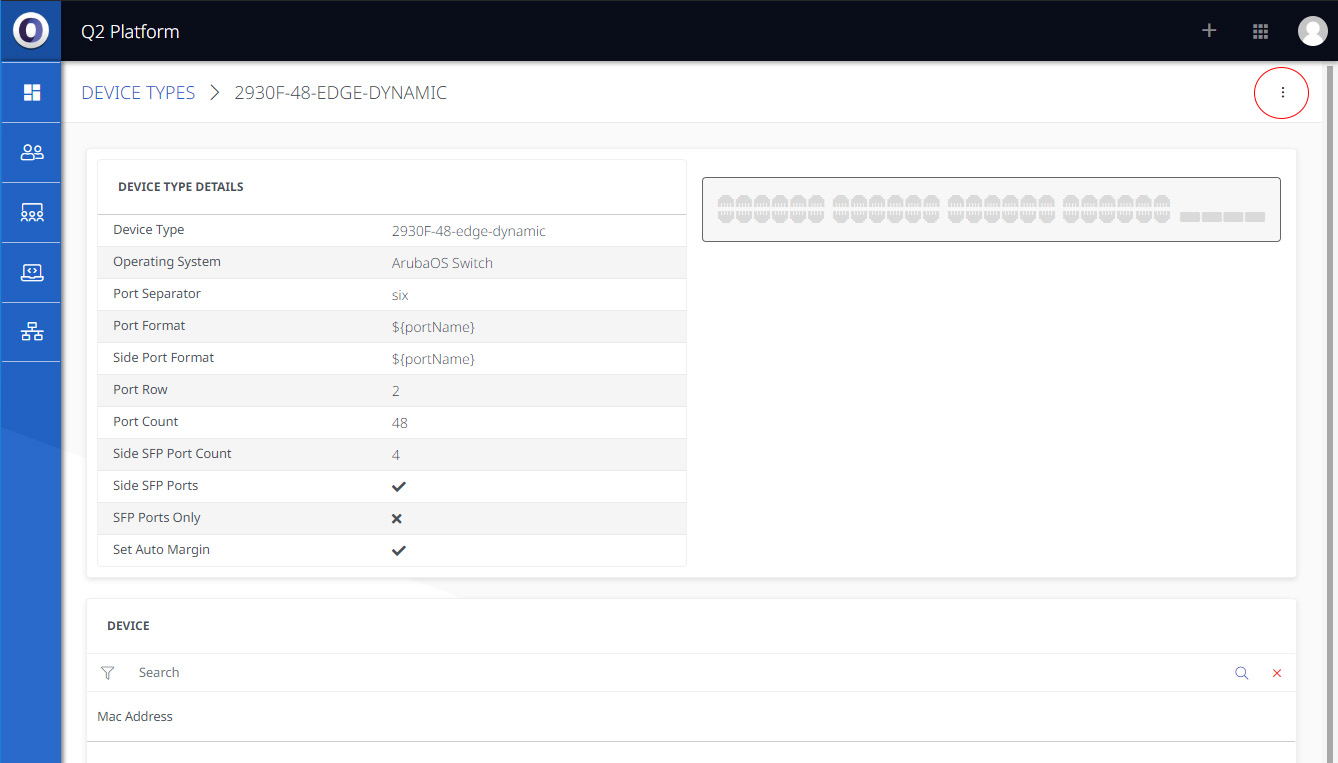
- Click into the relevant Node Type, then click the 3 dots and add the node in the top right-hand corner.
- Add the note from the drop-down list.
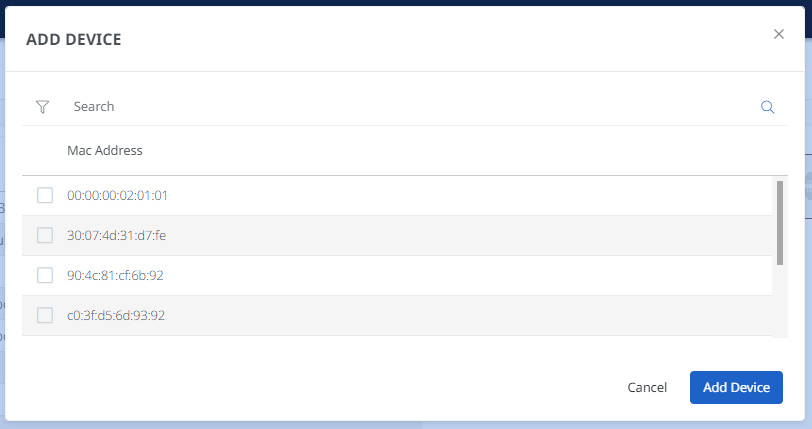
- Click Add to finish