
Welcome to the Q2 Platform. Below are the basics to help you get started.…
Welcome to the Q2 Platform. Below are the basics to help you get started.…
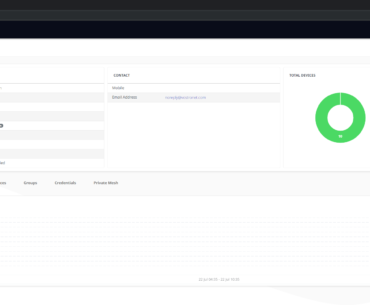
The Q2 Platform provides users with their own area to manage and monitor their account. In the User Profile area,…
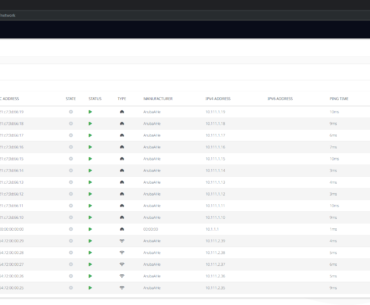
The Network section displays information on network nodes and allows users to administer network equipment. It is accessible through the…
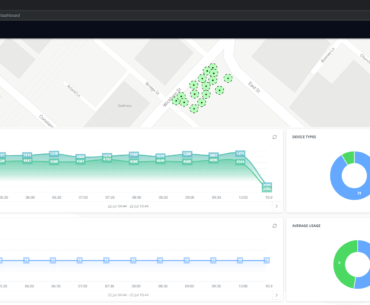
The dashboard appears on the landing page when a user logs into the Q2 Platform. The dashboard displays a clear…
The Node Types section is used to set up new network node types and to assign existing network devices to…
The Groups section is used to create and administer groups of users. Separate groups are created for different organisations and…
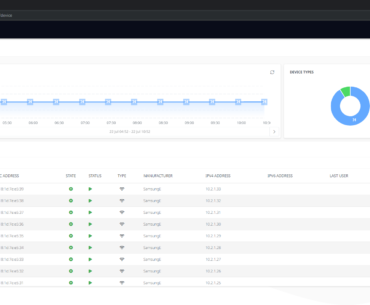
The Devices section is where a user can add new devices, monitor existing devices and review device KPIs. This section…
The Q2 Platform incorporates Node Templates which allow users to pre-configure nodes on the network allowing the user to deploy…
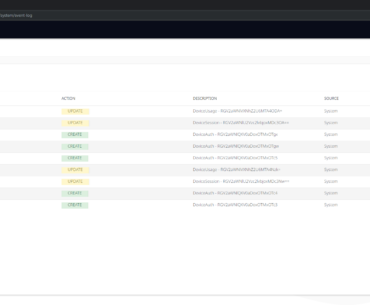
The Event Logs section is accessible through the Advanced Menu in the top right-hand corner of the display. Event Logs…
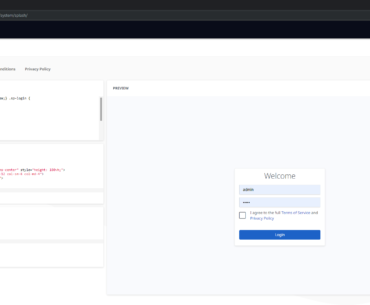
The Splash Page section is accessable through the Advanced Menu in the top right-hand corner of the display. In the…
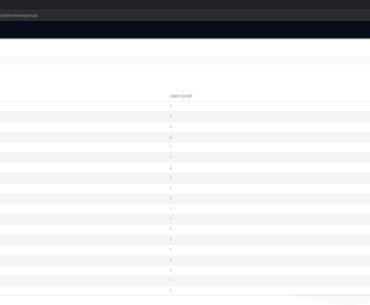
Private Mesh is a proprietary technology that simplifies communication between different users and devices on the network. The technology enables…
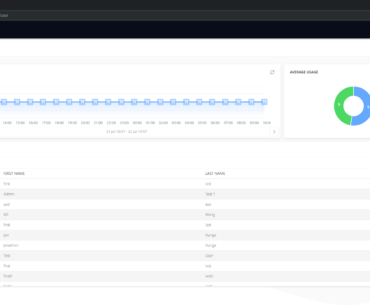
The Users section displays a list of users on the network and information on user data consumption and active user…