
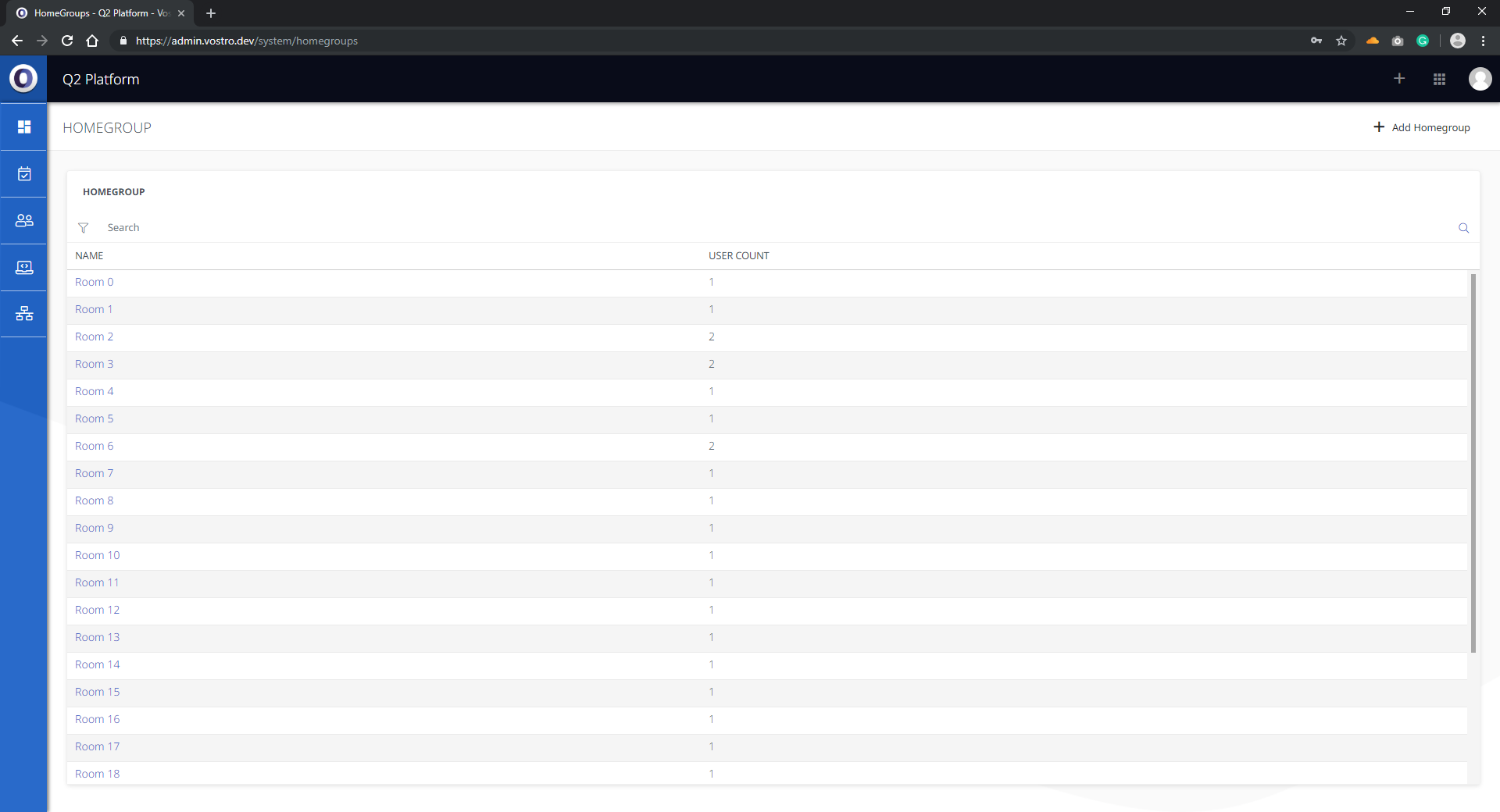
Private Mesh is a proprietary technology that simplifies communication between different users and devices on the network. The technology enables secure sharing between devices over VLANs and networks connected via the Q2 platform.
The Private Mesh section is accessible through the Advanced Menu in the top right-hand corner of the display. In this section, users have the ability to create new Private Meshes and add users to a selected Private Mesh.
Users and devices in a Private Mesh are able to securely communicate with each other over the network. Devices within a Private Mesh can be connected either wirelessly or through wired connections.
To set up a Private Mesh follow the instructions below.
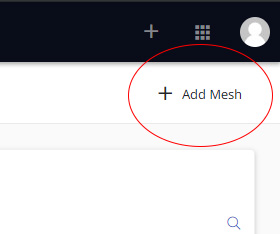
- Click the add Mesh button
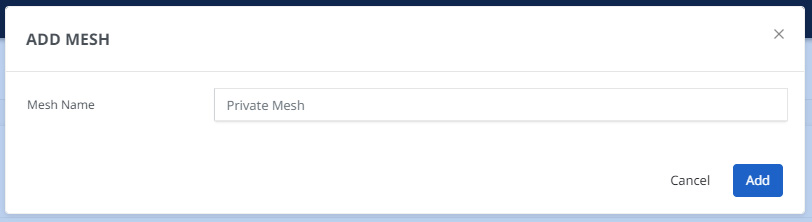
- Create a Mesh name and click Add
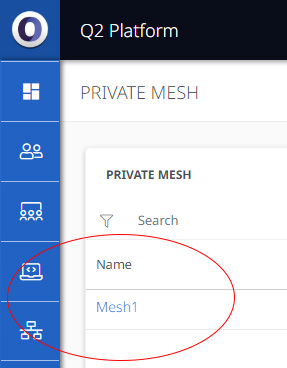
- Click the Mesh to open
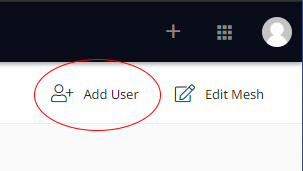
- Click Add user
Users (and associated devices) within a Mesh will be able to communicate with each other.