

The Groups section is used to create and administer groups of users. Separate groups are created for different organisations and entities and for different network permission types.
It is important to note that creation of a Group does not automatically create a Private Mesh for sharing between users in the Group. This functionality is administered through the Private Mesh section, which is accesible through the Advanced Menu in the top right-hand corner of the display.
Create a Group
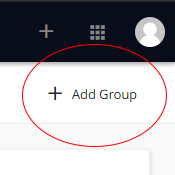
- Click on Add Group.
- Enter the name of the group.
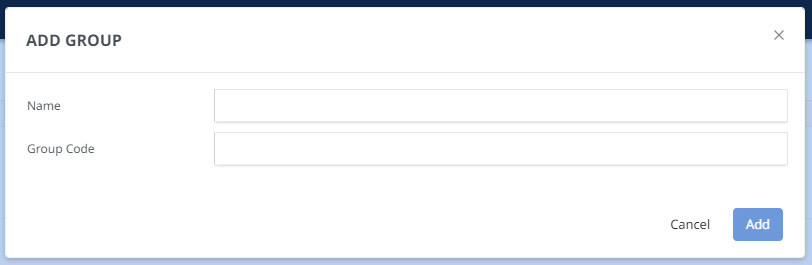
- Enter the group code which is an additional reference for the group.
- Click Add.
Add User to Group
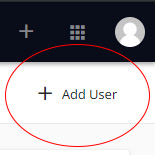
- Click into the group and then click Add User.
- Select the users to be added to the group.
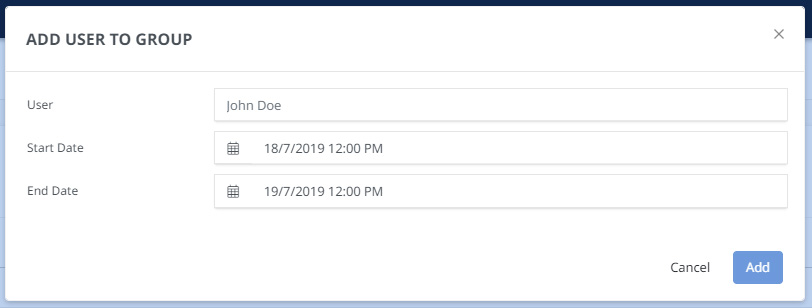
- Enter the start and end date.
- Click Add.