
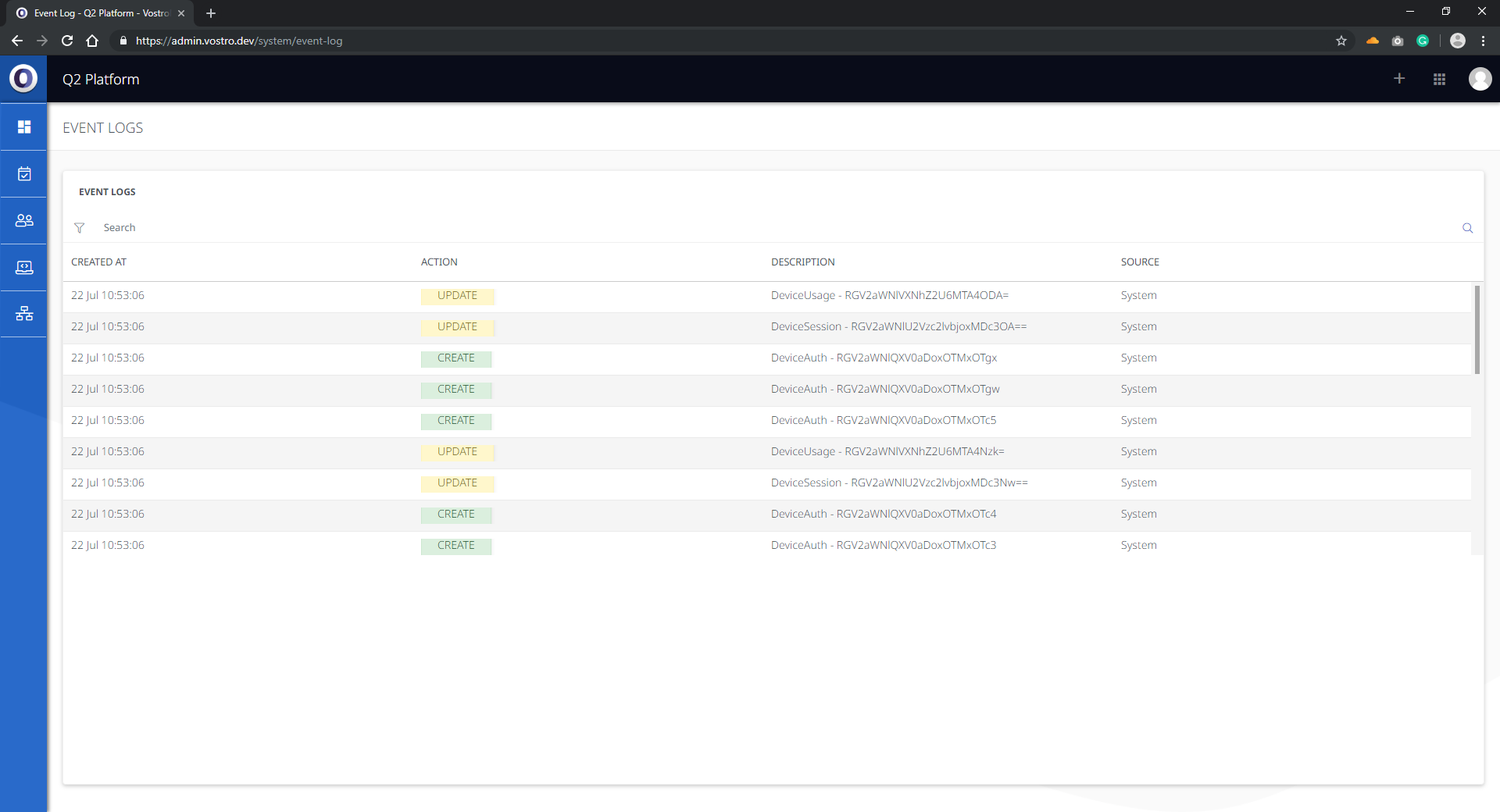
The Event Logs section is accessible through the Advanced Menu in the top right-hand corner of the display.
Event Logs is a diagnostic tool that displays changes and provides troubleshooting assistance when issues occur. Event Logs are searchable and can be filtered by the following criteria:
- Time
- Action
- Description
- Source
Event Logs provide important diagnostic information for both administrators and VostroNet support. The event logs record every action on the platform.
Instructions:
- Click the Advanced Menu on the top right-hand corner of the display.
- Once the drop-down menu appears, select Event Logs.
- Filter entries by using the funnel button on the left-hand side of the Event Logs section.
- Select the date and time on an individual log to expand the details of that entry.