
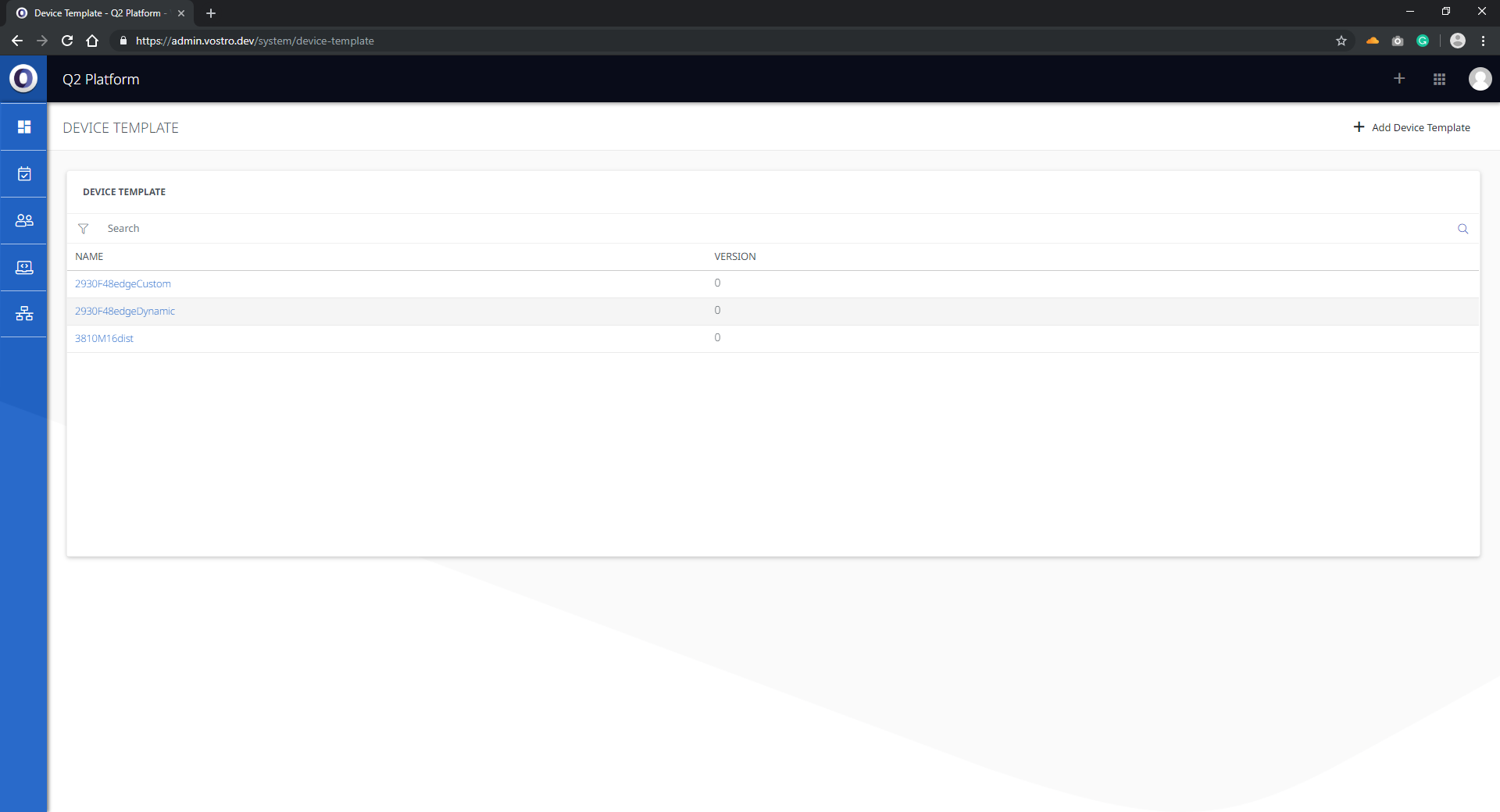
The Q2 Platform incorporates Node Templates which allow users to pre-configure nodes on the network allowing the user to deploy across several nodes at a time. This in turn saves time, reduces the risk of human error and allows for a piece of mind knowing that each switch was configured exactly the same.
The following instructions will go through creating a template, configuring and deploying a template to a node:
- Click on Add Template.
- Name the Template.
- Click on the template and in the overview section click on add node.
- Once the nodes the user wants to configure have been added move to the Interfaces section.
- Now we can configure the Interfaces, Display Name, VLAN information and speed.